

What Functions Does an Inventory Management System Have? An inventory management system is an information management system based on information technology that handles stock-in, stock-out, inquiries, and other inventory-related operations for enterprise inventory. It integrates purchasing, sales, inventory, and finance. So what are its specific functions?
Functions of an Inventory Management System:
I. Basic Data Management
1. The inventory management system records all basic data information required by the system, such as product information, employee information, supplier information, and so on.
2. The inventory management system sets areas, order types, pricing methods, payment methods, and personalized attribute data.
3. The inventory management system supports import and export functions and makes use of Excel's powerful editing capabilities.
4. Users of the inventory management system can quickly and conveniently convert data from external sources or other systems into the data format used by this system.
5. The inventory management system features an original interface-free refresh technology with immediate addition and immediate saving, keeping user data consistent.
6. All operations in the stock-in and stock-out system software begin with basic data settings, ensuring standardized and consistent data.
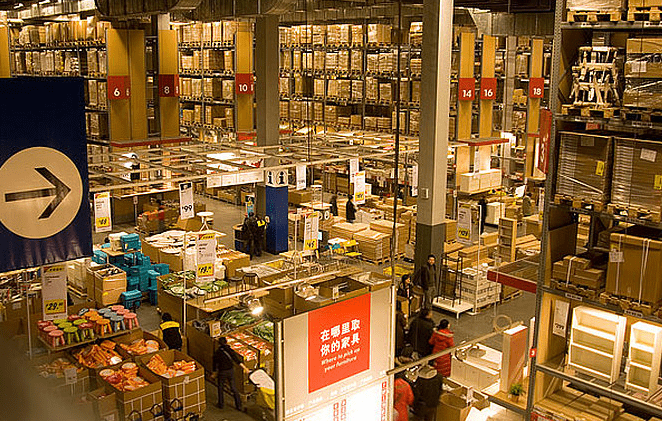
5. The inventory management system supports upper and lower inventory limits and automatically alerts users about out-of-stock goods or items exceeding the upper stock limit.
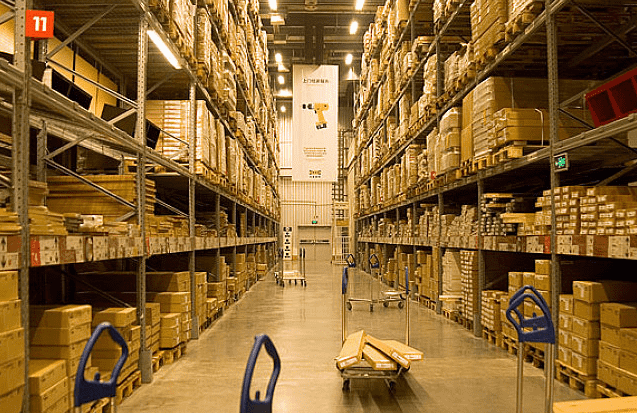
IV. Sales Management
1. The stock-in and stock-out system software includes functions such as sales orders, shipment, customer returns, and statistical queries. The inventory management system has strong storage capacity and efficient query and statistics functions. It can better enhance and improve an enterprise's inventory management level, thereby increasing economic benefits, and is widely applicable to wholesale, retail, production, shops, storefronts, warehouses, and more.
Call Soonfor
Sales: 400-1166-002
After-sales: 0769-22364912 Ext. 200

Back to Top
|
Free Consultation
|
Online Support
|
Submit Request |